How to delete your profile
Deleting your profile from uplan will result in your information being removed from our system.

Please note this action cannot be undone!
How to delete your profile
1. Open your Profile settings
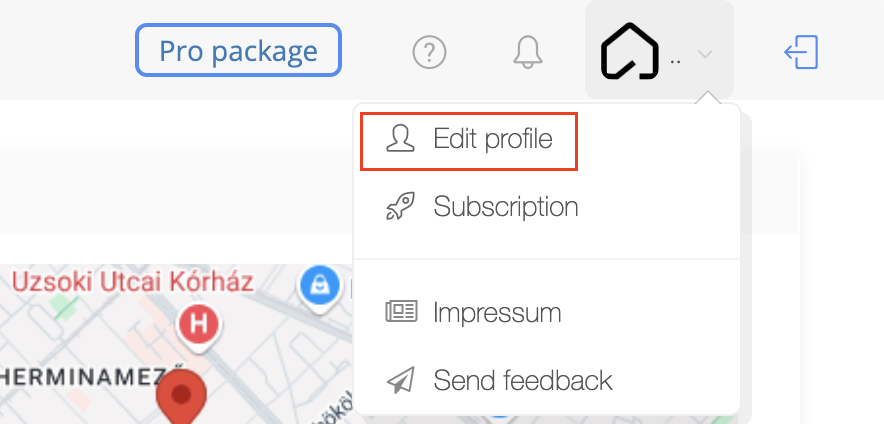
2. Scroll to the bottom of the page and click on the 'Delete Account'

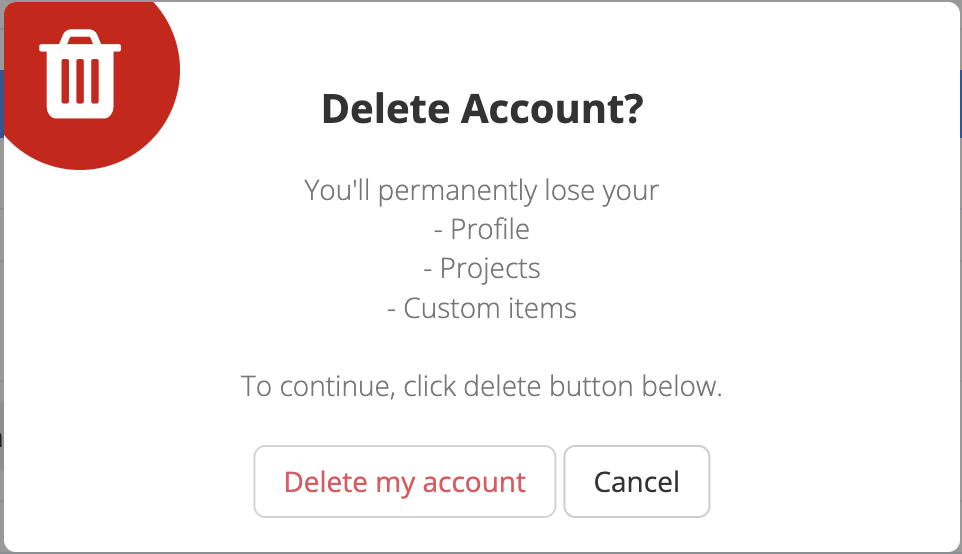
3. Click on the 'Delete my account' button in the pop-up window
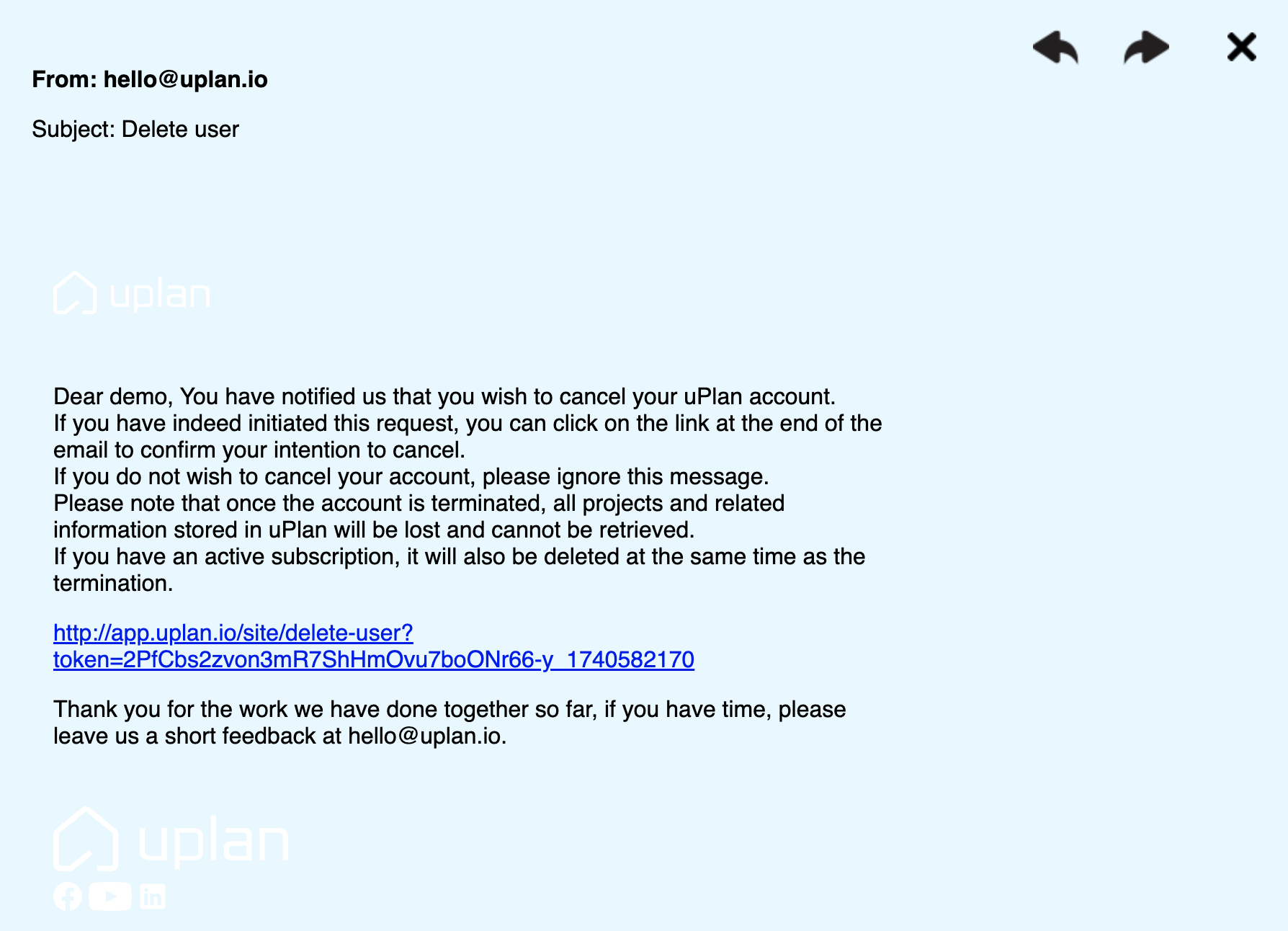
4. You received an email from uplan. The last step in deleting your account is to click on the link here:
3. Click on the 'Delete my account' button in the pop-up window
4. You received an email from uplan. The last step in deleting your account is to click on the link here: